DECKED
Ride. Style. Repeat.
What it is
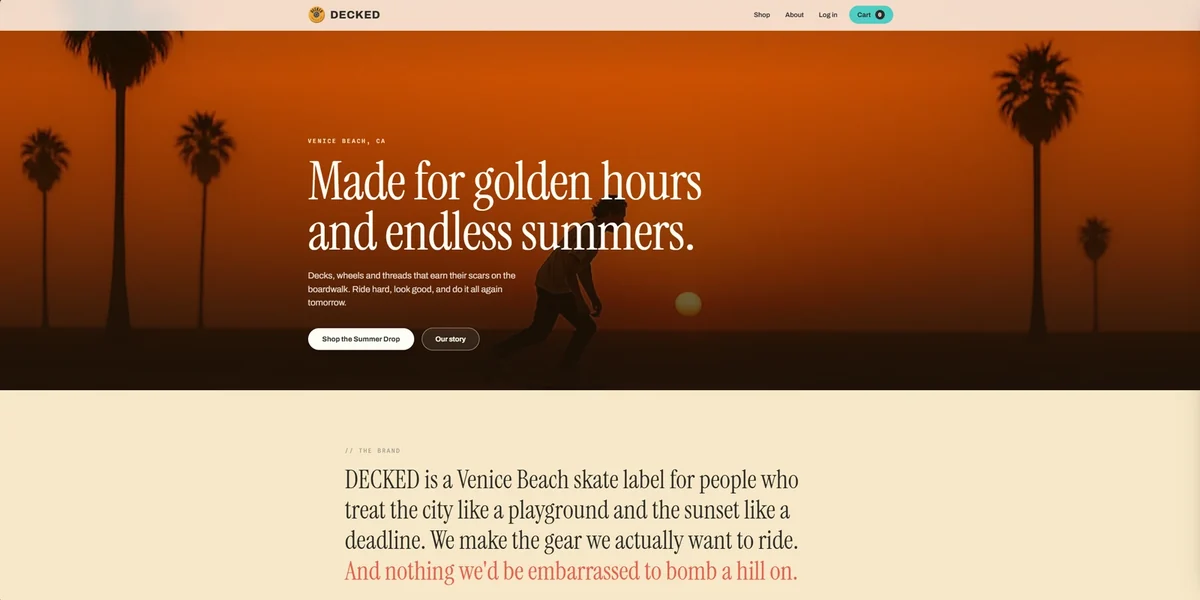
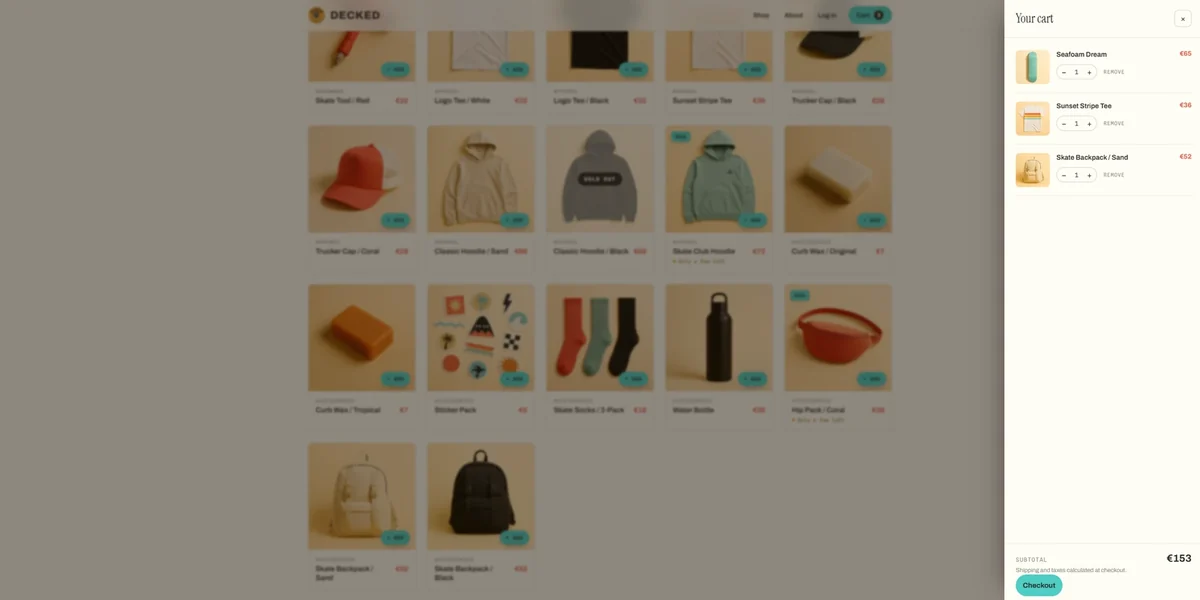
DECKED is a fictional Venice Beach skate shop. You can browse products, filter by category, add items to a cart, and go through a demo login and checkout. The cart and order history stay in the same browser between visits. No real account is created and no payment is taken.
I built it with plain HTML, CSS, and vanilla JavaScript. There is no framework, no build step, and no backend.
The problem
I wanted the shopping flow to carry on from one page to the next while keeping the site as static files on GitHub Pages.
The biggest problem was that DECKED is a multi-page site. Every time you click a link, the page reloads and JavaScript starts over. The cart on the home page and the cart on the checkout page are not the same running script, so they have to share data some other way.
The decisions
Storing the data
To solve the reloading problem, I used localStorage. The site saves everything it needs to remember under four keys. When a page loads, it reads these keys. When something changes, it updates them right away.
| Key | What it holds |
|---|---|
| decked_cart | Product IDs and quantities |
| decked_user | Name and email, or nothing |
| decked_orders | Number, date, items, total |
| decked_stock | Any stock levels I overrode |
Instead of saving the whole product in the cart, I only save the product ID and the quantity. The name, price, and image always come from the main product list. This keeps the data simple and stops the cart from showing old prices if I update the catalogue.
Sharing the cart across pages
Each page includes the cart drawer HTML and loads the same shared script. The script fills the drawer from the saved cart, updates the item count in the header, and checks for a saved demo user. Keeping that behaviour in one place means I do not have to fix it separately on every page.
Fake login and checkout
Registration asks for a name, email, and password, but only saves the name and email. Login also requires a password field to be filled in, but does not check it against anything. It saves the email and builds a display name from it. For example, jordan.vega@email.com becomes Jordan Vega. This lets me build the screens and redirects without pretending they are real authentication.
Checkout and the account page need a user to be logged in. If a visitor tries to go there without logging in, the site sends them to the login page first, then brings them back to checkout.
Finishing the order
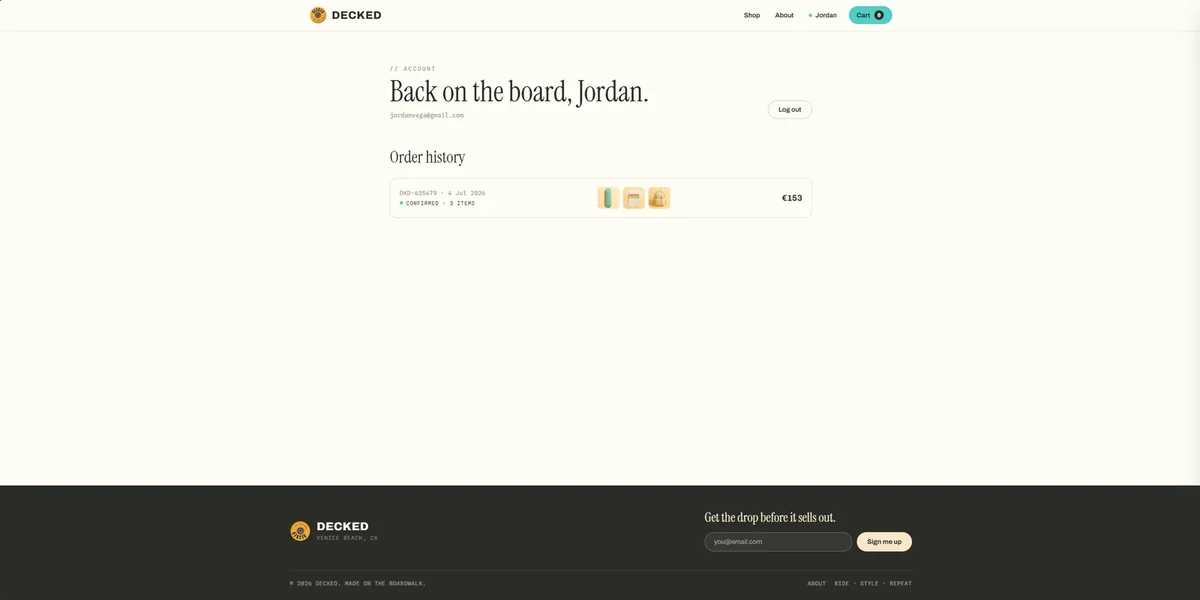
When the user finishes checkout, the site creates a fake order number, adds shipping, and saves the order to localStorage. Then it clears the cart and shows a success message.
The order keeps a copy of the item names and prices at checkout, so later catalogue edits do not rewrite it. It stays available until the browser's saved data is cleared. Orders are shared within that browser, not separated into real user accounts.
What I would do differently
I would make the demo boundaries clearer in the form itself. The card fields are required by the page, but their values are not used by the checkout code. They do not need real payment details.
For a real shop, accounts, prices, stock, and orders would need to be checked and stored on a server. Browser storage can be edited or cleared by the visitor. Payments would also need a payment provider rather than this simulated checkout.